
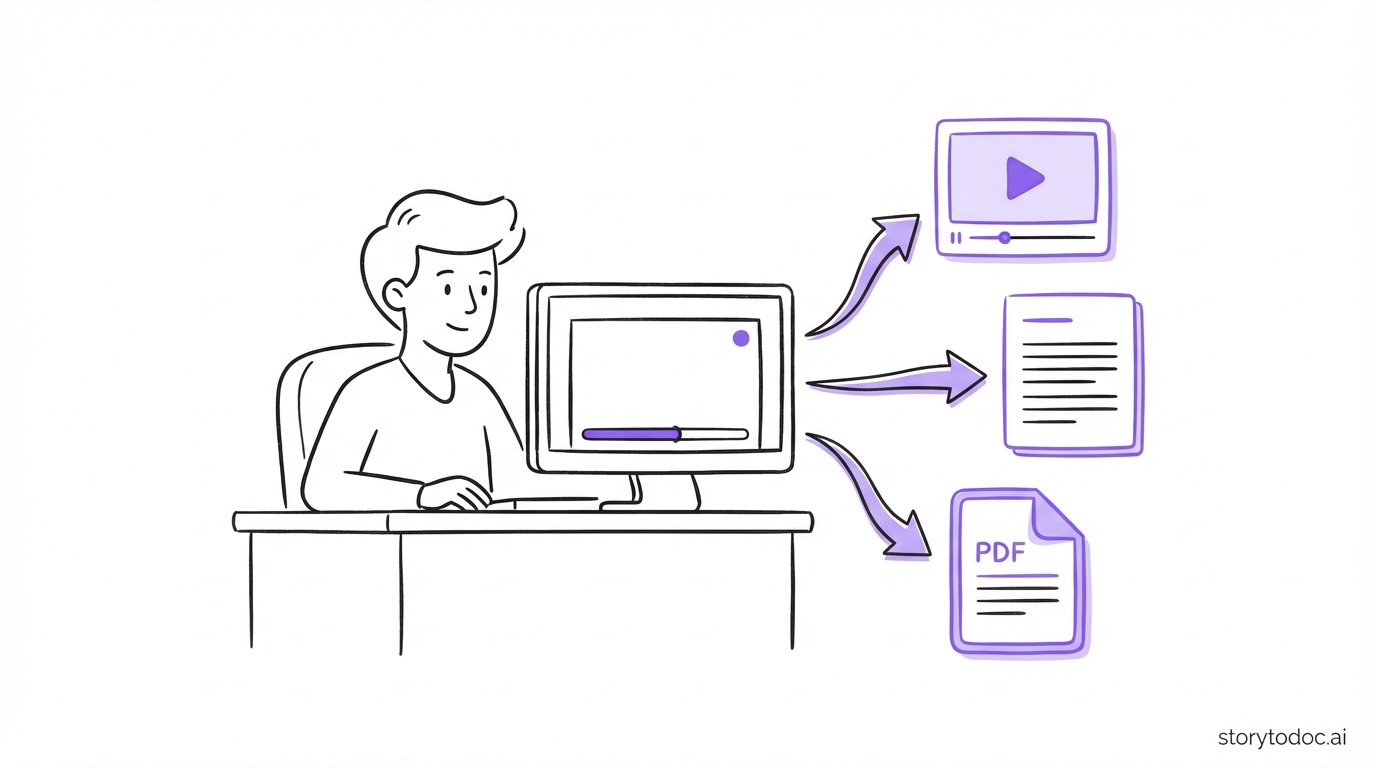
Your training videos have a shelf life. For most SaaS teams, it's about 30 days.
That's not a guess. In our benchmark of 50+ SaaS product teams, 80% had at least half their documentation outdated. Videos go stale faster than written docs because any UI change makes the video visually wrong. Not just incomplete. Wrong.
Here's the truth: finding a training video generator isn't the hard part. Dozens of tools make it fast and relatively cheap to create professional-looking videos. The hard part is keeping those videos accurate when your product ships updates every sprint.
If you're comparing training video software right now, most guides will help you pick the tool that creates videos fastest. This one will help you pick the tool you won't regret in six months.
Here's what to actually look for, including the one criterion most buyers never ask about.
Why Your Training Videos Have a 30-Day Shelf Life
Think about the last time your product shipped a meaningful update. A new navigation item. A renamed button. A redesigned modal.
Did anyone update the training videos showing those screens?
Here's what happens when they don't. A user watches your onboarding video. It shows them exactly where to click. But the button has moved, been renamed, or is now behind a different menu. They get confused. They open a support ticket. Or they give up.
According to Gartner, customers who find vendor information readily available and helpful are 3x more likely to make a larger purchase with less regret. The inverse is also true. Users who run into outdated training content lose trust fast.
The documentation debt compounds. Each product update creates more stale content. Most teams don't measure it until the support tickets start piling up.
When you're evaluating a training video generator, creation speed is table stakes. The real differentiator is how long the videos stay accurate after you hit publish.
See how this plays out in real numbers in the real cost of bad documentation. The compounding cost of outdated help content is larger than most teams expect.
The 5 Types of Training Video Tools (Know What You're Actually Comparing)
One reason buyers make the wrong call here is that "training video generator" covers wildly different tools. You need to know which category you're actually shopping in before you start comparing features.
1. Screen Recording and Editing Tools
Examples: Loom, Camtasia, ScreenPal
These tools let you record your screen and edit the footage. Fast to start, flexible, familiar. The core limitation: every time your product UI changes, you re-record from scratch. No automation. No auto-update. One product update can mean a dozen broken videos.
Best for: quick async recordings for small teams, internal explainers, one-off demos.
2. AI Avatar Generators
Examples: Synthesia, Vyond
These tools generate video from a script, using an AI avatar or animation instead of a real screen recording. Great for multilingual corporate training. Not built for SaaS product documentation. The avatar doesn't interact with your actual product UI, which means the video doesn't accurately represent what users will see when they open your product.
Best for: corporate L&D training, multilingual content, narrative-style learning modules.
3. Interactive Demo Tools
Examples: Supademo, Arcade
These tools create HTML-based click-through simulations, not traditional video. Users interact with a replica of your product. Useful for sales demos and self-guided feature tours. The limitation: they're interactive demos, not training videos. They serve a different use case and don't embed as video content in help centers.
Best for: sales demos, free trial walkthroughs, feature announcement microsites.
4. SaaS-Specific Video Documentation Tools
Examples: Videate, Trainn, StorytoDoc
These tools are built specifically for SaaS teams creating product training content. They record real product UI, produce output in multiple formats, and the best of them address the update problem directly. This is where the most relevant training video generator options live for product and CS teams.
Best for: user onboarding, help center content, customer training, proactive feature discovery.
5. Animation and Explainer Tools
Examples: Powtoon, Animaker
These tools create branded animated explainer videos. Good for top-of-funnel marketing content or high-level product overviews. Too abstract and generic for step-by-step user training.
Best for: marketing videos, brand storytelling, high-level product overviews.
| Category | Best For | Main Limitation |
|---|---|---|
| Screen recording + editing | Quick, ad hoc recordings | Manual re-recording when product UI changes |
| AI avatar generators | Corporate L&D, multilingual training | Doesn't show real product UI |
| Interactive demo tools | Sales demos, trial walkthroughs | Not video, serves a different use case |
| SaaS video documentation tools | Onboarding, help center, customer training | Varies significantly by tool |
| Animation/explainer tools | Marketing videos, brand overviews | Too abstract for step-by-step training |
Sound familiar? Most buyers walk into this evaluation having already mentally compared tools from completely different categories. That's why it's so easy to end up with the wrong one.
6 Things to Look For in a Training Video Generator for SaaS
Most buyers compare creation speed and pricing. Here are the criteria that actually matter once you're six months in.
1. Does it record real product UI?
Your training videos should show your actual product, not a generic animation or placeholder interface. Users follow what they see. If the video doesn't match your product exactly, it creates confusion instead of clarity. Any tool that relies on avatars, templates, or generic visuals fails this test for product training.
2. Can your PM or CS team use it without a video editor?
If the tool requires a dedicated video editor or significant post-production work, it won't scale with your team. The best training video generators for SaaS are built for product managers, customer success leads, and technical writers. Not video production specialists.
Check: what does the editing workflow actually look like for a non-technical user?
3. Does it output more than just video?
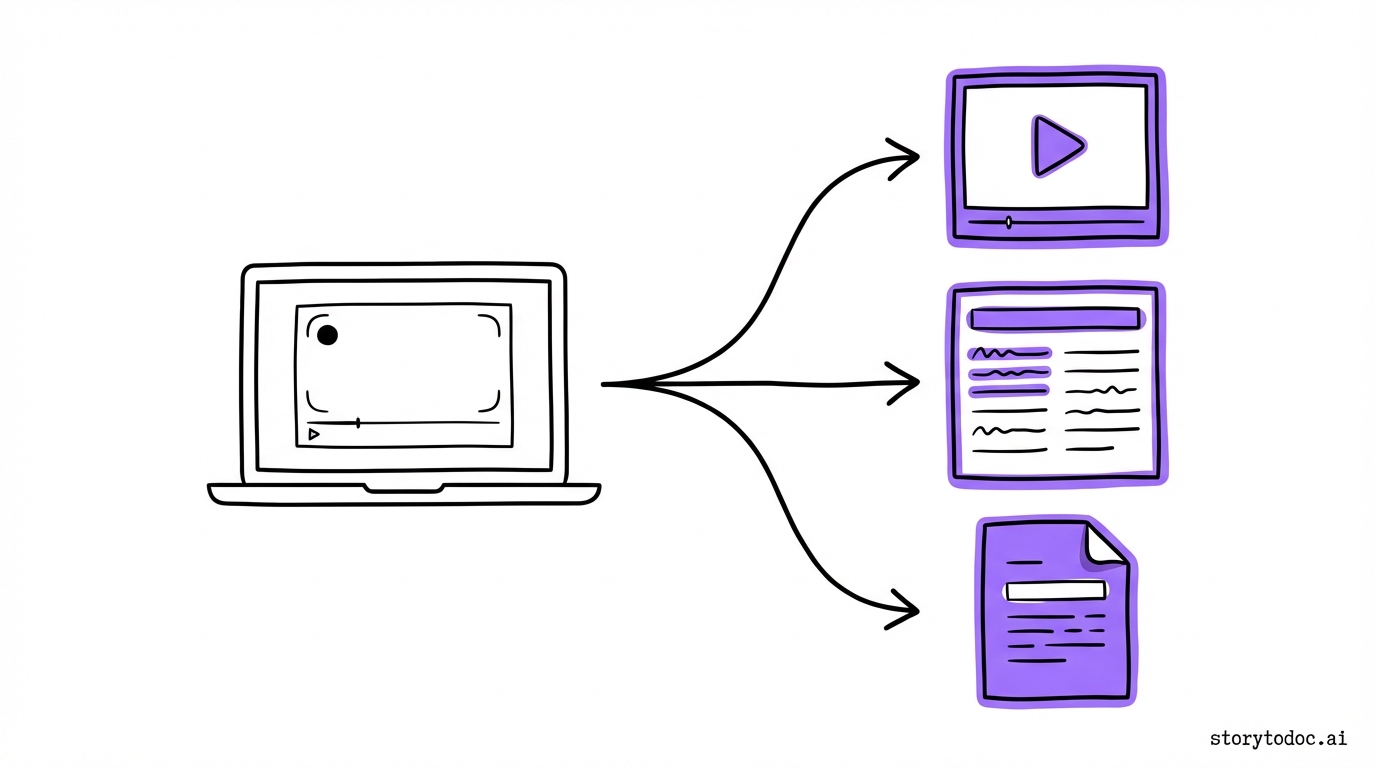
Different users learn in different ways. Some prefer watching a video. Others want a step-by-step written article they can follow alongside the product. Others download a PDF for reference.
A training video generator that only outputs video is leaving significant learning value on the table. Look for tools that produce multiple formats from a single recording: an interactive video, a step-by-step how-to article, and a downloadable PDF. All from one workflow, not three separate tools.
4. Does it embed in your existing help center?
Switching help centers is a major project that rarely happens. Most SaaS teams run on Zendesk, Intercom, Confluence, or HubSpot. Your training content should be embeddable in whichever platform you already use.
Be cautious of tools that require you to migrate to their hosted platform. You want a tool that integrates with your existing infrastructure. When the content lives where your users already look for help, they actually find it.
5. Does it update when your product changes?
This is the criterion most buyers forget to ask about. And it's the most important one.
SaaS products ship updates constantly. Your training videos are accurate on day one. Then your product changes. Nobody has bandwidth to re-record everything. The videos keep playing, showing users a UI that no longer exists.
Ask any vendor directly: "What happens when our product UI changes? How long does it take to update an existing video?"
Some tools require a full re-recording. Some allow you to swap individual clips. The best tools detect UI changes and update the content automatically across every embedded location.
If a vendor can't give you a clear, direct answer to this question, treat that as a red flag.
6. Can users access training proactively, not just when they're stuck?
Most help centers are reactive. Users search for help when something goes wrong. That captures only a fraction of the learning opportunity.
The best training setups also give users a way to explore your product proactively. A Learning Center embedded inside your product, where users discover what your product can do before they hit a problem. This is the difference between users who discover 30% of your features and users who discover 70%.
When evaluating tools, ask: does this give me a way to deliver training inside my product proactively, or only in the help center when users are already stuck?
The Hidden Cost Nobody Calculates
Most buyers walk into a training video tool evaluation focused on three things: How fast can I create a video? What does the quality look like? How much does it cost?
Those are the wrong starting questions.
The right starting question is: What happens in six months when my product has shipped a dozen updates?
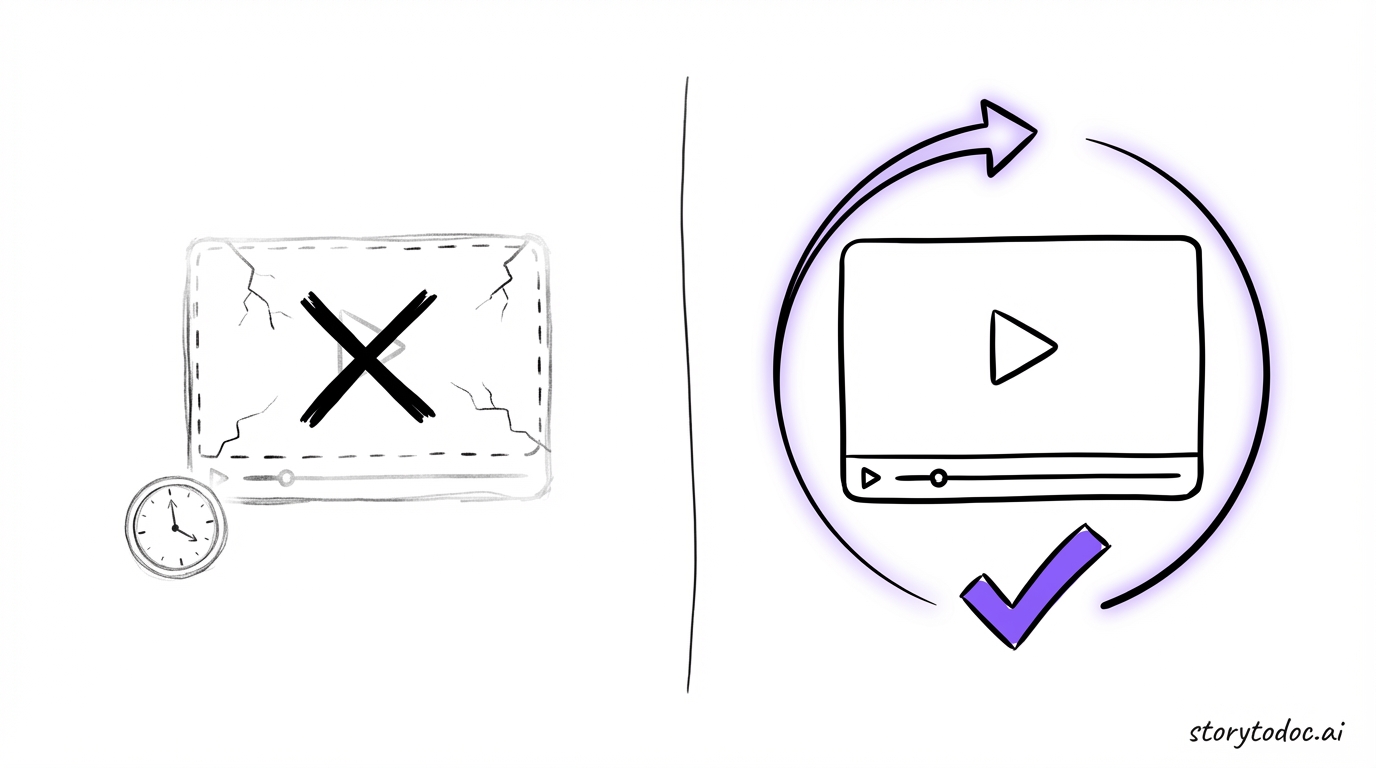
Here's what we see with teams that pick the wrong tool. They build a training library. It's well-made and accurate. Then the product evolves. The team doesn't have bandwidth to re-record everything. The library slowly becomes a documentation graveyard. Users hit outdated content, get confused, open tickets, and lose trust.
Documentation debt compounds. The longer you leave it, the worse it gets. And unlike financial debt, outdated training content actively hurts users while it sits there.
Research from the Association for Talent Development found that organizations using AI-powered video documentation see 23% faster employee onboarding and 31% higher knowledge retention compared to teams using traditional screen recording tools. But those gains disappear fast when the content stops being accurate.
The real cost of outdated training content isn't the time you spend maintaining it. It's the users who can't figure out your product and churn because of it. How poor docs drive customers away breaks down the churn numbers in detail.
Questions to Ask Before You Choose a Training Video Generator
Use this as your vendor checklist.
About creation:
- Can someone on my CS or product team create videos without video editing skills?
- How long does it take to go from screen recording to published content?
- Does it output written articles and PDFs alongside the video?
About maintenance:
- What happens when our product UI changes?
- Can I update individual clips without re-recording the full video?
- Does the tool automatically detect and flag outdated content?
About distribution:
- Does it embed in our existing help center (Zendesk, Intercom, Confluence)?
- Can we deliver training inside our product, not just in a separate help center?
About scale:
- Can we produce training content at the same pace we ship product features?
- Is there a done-for-you option if we fall behind on documentation debt?
How StorytoDoc Approaches Training Video Generation
StorytoDoc is built specifically for SaaS teams that need training content to keep pace with product development.
When you record your screen in StorytoDoc, it creates a complete story: an interactive video, a step-by-step how-to article, and a downloadable PDF. All three formats from a single recording. You embed them directly in your existing Zendesk, Intercom, or Confluence help center. No migration required.
When your product UI changes, StorytoDoc detects the change and updates all three formats automatically, everywhere they're embedded. No manual re-recording.
You can also add a Learning Center directly inside your product. A video-first experience where users explore features proactively, not just search for help when they're stuck. This is how teams build in-app learning centers like Miro that drive feature adoption without adding support load.
If your team is behind on training content, the done-for-you documentation service handles the creation work for you. Your full training library, built in 30 days.
For context on where training video generation fits into the broader documentation landscape, the AI documentation tool buyer's guide covers all three categories of AI doc tools and where each makes sense.
What the Right Training Video Generator Actually Does
Here's the short version.
The best training video generator for a SaaS team is not the one that makes videos the fastest. It's the one where the videos are still accurate in six months.
When you evaluate tools, add one question to every vendor call: "What happens when our product UI changes?" If they can't give you a clear answer, you're buying a creation tool, not a training content system.
Your users follow your training content every day. When that content is accurate, they succeed. When it's not, they get confused, open tickets, and some of them leave.
The standard isn't a great video on launch day. The standard is accurate content six months in, with no team burnout keeping it that way.
In Doc We Trust.
Want to see how auto-updating training content works in practice? Explore documentation that updates automatically to see the full workflow.

![Video Documentation Service: The Complete Guide for SaaS Teams [2026]](/images/blog/video-documentation-service-saas-guide-featured.png)
![10 Product Documentation Tools for SaaS [Compared 2026]](/images/blog/product-documentation-software-saas-featured.png)