
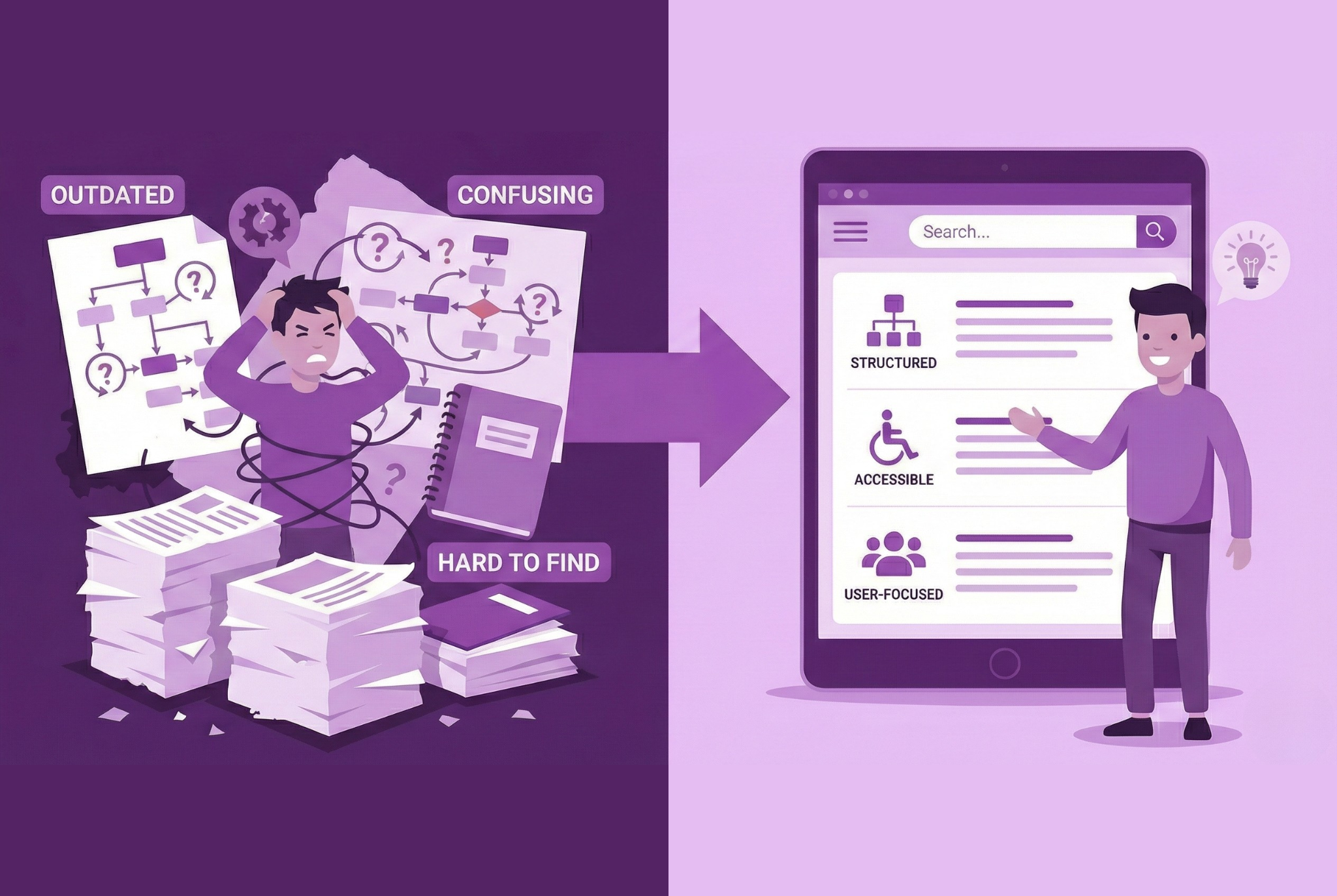
Good documentation is more than a "nice to have"—it's a strategic asset. When done well, it reduces support load, accelerates adoption, aligns teams, and strengthens user trust. But too often, documentation becomes an albatross: stale, confusing, ignored. In this article, we'll dig into why most product documentation fails, and show how automation + smart practices can turn it into a resilient, living resource.
The Common Pitfalls That Doom Docs
Let's start by diagnosing the usual suspects. These are patterns I see across SaaS, tools, platforms—and they're often rooted in how documentation is created or maintained.
1. Outdated Screenshots & UI Mismatch
One of the biggest sins: documentation that doesn't match the product. When a UI shifts, menu layouts change, or workflows evolve, screenshots and step-by-step guides quickly become misleading or obsolete. Users trying to follow them get stuck and lose confidence.
2. Videos No One Watches
Teams often pour time into long video tutorials—5–10 minutes or more—but many users don't watch them end to end. They prefer skimming, searching, or following short, meaningful steps. Video maintenance also compounds overhead: a UI tweak means re-recording or editing.
3. Static PDFs & Frozen Content
Exported PDFs are easy to generate, but they come with constraints: they're hard to search, don't adapt to different formats (mobile vs desktop), and once published, they're essentially "locked in time." Updating them is manual and error-prone.
4. Fragmented & Siloed Docs
Different teams maintain documentation in separate places—support articles here, dev docs there, internal wikis over there. Without synchronization, divergence creeps in: features described one way in marketing, another in the API docs, another in the support site.
5. No Version Control or Ownership
Without clear versioning and ownership, documentation becomes a free-for-all. Changes conflict, edits get lost, and nobody knows which version is "official." When product changes occur, docs are often an afterthought—not integrated into the release cycle.
6. Wrong Assumptions & Missing Context
It's common for documentation written by engineers or domain experts to skip steps, assume implicit knowledge, or omit business context. Users often raise support tickets precisely for what docs omitted (unexpected edge cases, error handling, "why this works this way").
7. Lack of Validation / Continuous Checking
Many teams publish docs and never revisit them. There's no mechanism to test whether screenshots are accurate, APIs still respond as documented, or workflows still execute as described. Without a "doc test" loop, divergence accumulates.
8. Accumulating "Documentation Debt"
Every time a product changes—UI tweak, feature add, API change—if documentation isn't updated immediately, you accrue debt. Over months or years, catching up becomes overwhelming. The more debt, the more fragile your docs become.
The Real Consequences (Why You Can't Ignore This)
Bad documentation isn't merely inconvenient—it has measurable, negative impact on product metrics and team ROI:
- Higher support costs: More users start tickets or request hand-holding instead of self-serving.
- Slower onboarding & adoption: New users get stuck and churn early.
- Developer & internal inefficiency: Teams waste time chasing correct flows, internal tools, or old behavior.
- Reputational damage: Users judge a product's maturity by the quality of its documentation. If docs feel amateur, trust erodes.
- Risky releases / more bugs: When docs lag, rollouts are riskier; users may misconfigure or misuse features.
If documentation fails, it becomes a drag rather than a driver.
How Automation (and Smarter Design) Changes the Game
The magic happens when documentation is treated not as a one-off deliverable, but as an always-living product. Automation, combined with good process discipline, can prevent many of the failure modes above.
Here are the core levers:
1. Generate Doc Skeletons from the Product Itself
Pull metadata from your product—UI definitions, feature flags, API specs, menu definitions—to auto-generate a "skeleton" of documentation. For APIs, tools like OpenAPI/Swagger, Javadoc, Doxygen, or custom generators can extract method signatures and descriptions.
On the UI side, record flows (screens, transitions) or instrument definitions to map out possible user journeys.
These auto-generated scaffolds ensure you always have up-to-date "ground truth" that matches the product.
2. Automated Validation / Doc Testing
Integrate documentation checks into your CI/CD pipeline. For example:
- Validate that screenshots correspond to actual UI states (or flag mismatches).
- Run API tests against published schemas and compare with documentation snippets.
- Run "smoke tests" of documented workflows to verify they still succeed.
This continuous feedback loop catches drift before it becomes a mess.
3. Dynamic Screenshot & Flow Capture
Use tools (or your documentation platform) that capture live UI flows and generate annotated, step-by-step guides (screenshots + callouts). When UI changes, you can re-capture that flow—or at least detect mismatches and prompt revalidation.
4. Modular Content & Reusable Blocks
Instead of writing full pages per feature, break content into modules (explanations, snippets, error patterns, tips) that can be reused across workflows. Updates to a shared module propagate everywhere. This avoids duplication and inconsistency.
5. Docs-as-Code + Versioning
Store documentation in version control alongside your code. Treat it as part of your codebase: branch, merge, PRs, and reviews. Pull requests that change UI or APIs should also include relevant documentation updates. This embeds docs into your development lifecycle.
Ownership, version control, and traceability become natural.
6. Analytics & Usage Feedback
Measure which pages or flows users visit (and where they drop off). Gather user ratings ("Was this helpful?") or comments. Use this data to prioritize updates, prune unused content, or refactor confusing areas.
7. Human-augmented Automation
Automation handles scaffolding, maintenance, and consistency—but humans still provide context, narrative, domain reasoning, examples, and tone. The combination is richer than either alone.
Suggested Implementation Roadmap for a "Living Documentation" System
Here's a possible step-by-step approach to adopt this in your product org:
| Phase | Focus | Key Activities |
|---|---|---|
| Audit & Baseline | Understand current documentation health | Inventory all docs and owners; Map user journeys and high-traffic pages; Identify mismatch with product, note doc debt; Collect support ticket themes linked to docs |
| Choose Pilot Areas | Start small where impact is highest | Select 1 to 3 core flows (e.g., onboarding or billing); Define success metrics like task completion or support deflection; Assign an accountable owner per flow |
| Define Metadata or Schema | Lay the foundation for generation and validation | Catalog UI states, screens, and transitions; List API endpoints, params, errors, versions; Tag content by feature, role, version, product area |
| Generate Skeleton Docs | Automate the baseline | Record flows to auto-create step guides and screenshots; Generate reference from code or OpenAPI where relevant; Publish internal preview for review and iteration |
| Add Narrative and Edge Cases | Human context and clarity | Explain why, when to use, and role-specific tips; Document pitfalls, error handling, and examples; Link to related tasks and concepts |
| Build CI Checks and Doc Tests | Guard against drift | Automated screenshot or flow validation; API example tests against live endpoints; Block merges or open review tasks on mismatch |
| Release and Monitor | Publish and learn from usage | Versioned publish to users and teams; Track search terms, drop-offs, helpfulness scores; Collect feedback from support and success |
| Iterate and Scale | Continuously improve and expand | Prune or merge stale content regularly; Extend automation to more features and roles; Refine metrics and Capture Plan for each release |
You don't need to fully automate everything at once. Lean in where the pain is highest, prove value, and scale gradually.
Pitfalls & Critical Success Factors
- Don't treat automation as "set and forget"—it only works when it's integrated and maintained.
- Fallback for complex/edge flows—some features or flows may defy automation; allow manual overrides.
- Balance automation vs voice—auto-generated content can feel dry; human polish matters.
- Avoid vendor lock-in—ensure your system exports to open formats and remains maintainable.
- Culture & buy-in—teams need to see documentation as part of the product, not a side chore.
How StorytoDoc (Or Tools Like It) Can Be the Glue
This is where StorytoDoc fits in beautifully:
- It captures live user flows (screens, clicks) and turns them into interactive guides—automating one of the hardest parts of documentation maintenance.
- Because the guides are tied to flows, when UI changes, StorytoDoc can highlight mismatches or trigger revalidation—reducing drift.
- It embraces the concept of "documentation versioning" and tying docs to product changes, rather than static exports.
- It frees your team to write context, business rationale, edge cases, and narrative—while auto parts handle the scaffolding and updates.
By embedding documentation into the product changes themselves, StorytoDoc helps your docs evolve with your application—not lag behind it.
Final Thoughts
Most product documentation fails not because writers are lazy, but because the approach is broken: we typically treat docs as a static deliverable instead of a living interface. Over time, divergence, debt, and fragmentation win—and your users suffer.
But by rethinking documentation as a living product—generated from product metadata, validated by tests, modular, versioned, monitored, and enriched by human context—you can build docs that don't rot.
The key is making maintenance automatic, not optional.

![Video Documentation Service: The Complete Guide for SaaS Teams [2026]](/images/blog/video-documentation-service-saas-guide-featured.png)
![10 Product Documentation Tools for SaaS [Compared 2026]](/images/blog/product-documentation-software-saas-featured.png)