
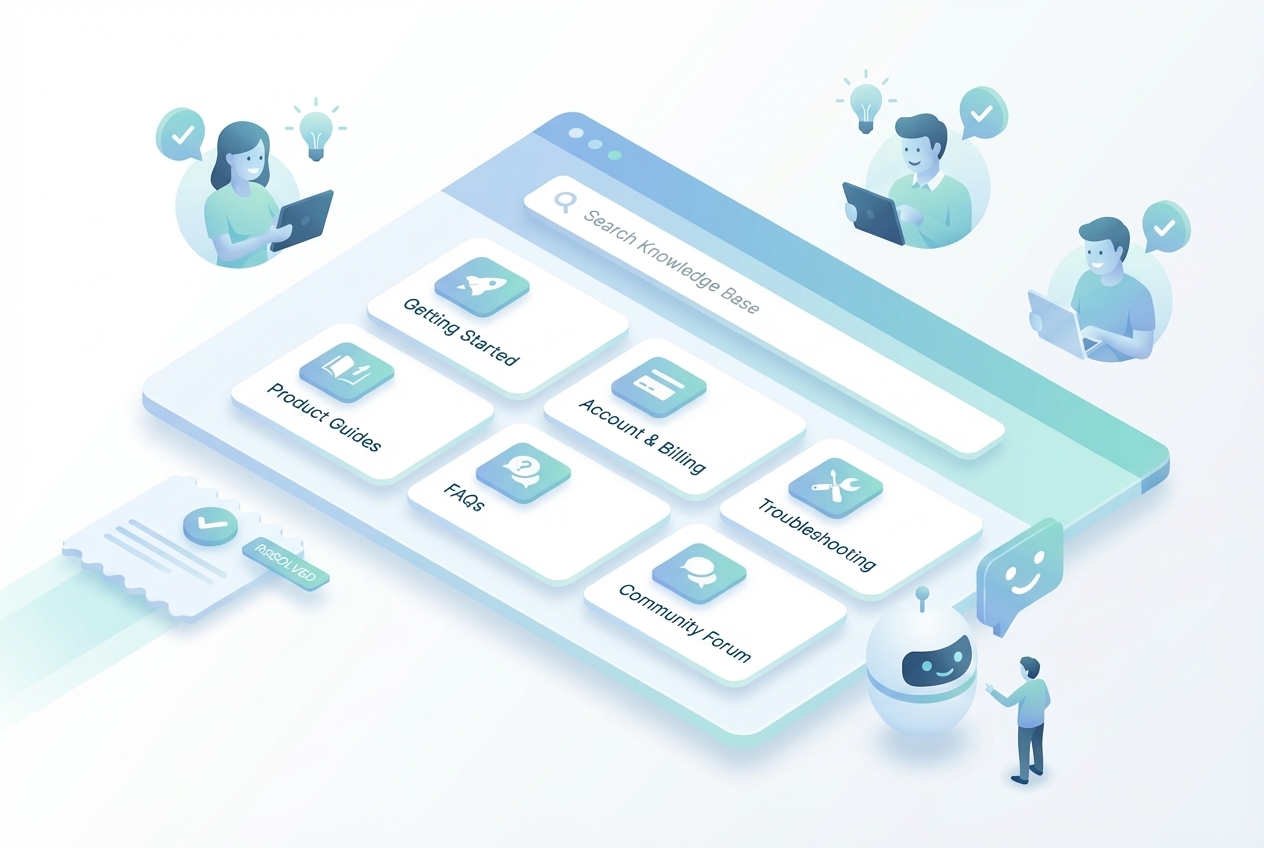
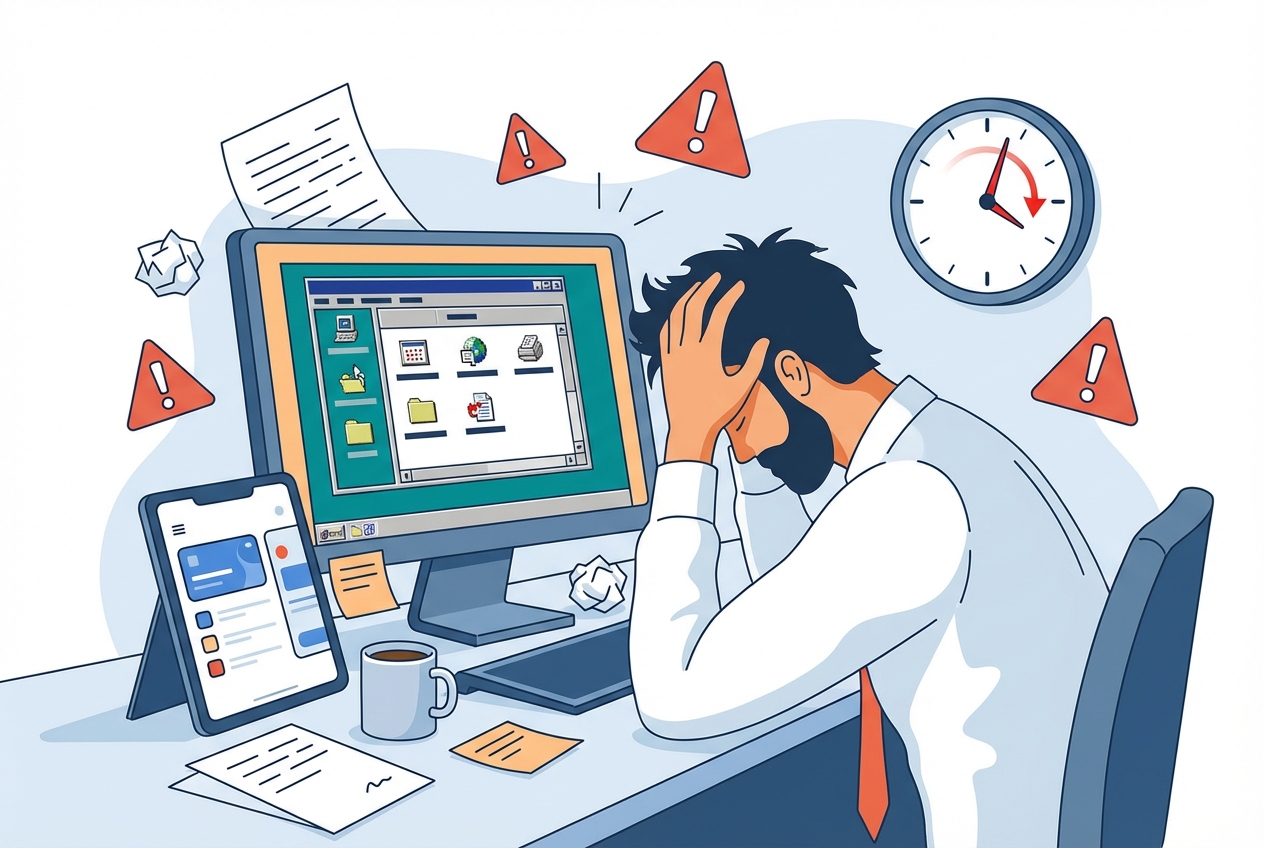
Your support team is drowning. Every new feature creates more confusion, more tickets, more costs. And here's what nobody talks about: the documentation you created last quarter? It's probably already wrong.
Here's the truth. Each support ticket costs your SaaS company roughly $10. With the right help center software, you could eliminate 40-60% of those tickets. But most companies choose tools that create more problems than they solve.
The help center software market is crowded. Dozens of platforms promise to reduce your support burden. Yet most buying guides ignore the elephant in the room: what happens when your product changes and your documentation becomes outdated overnight?
This guide covers what the others skip. You'll learn exactly what features to look for in help center software (including the ones competitors don't mention), compare the 10 best tools for SaaS companies in 2025, and understand how to calculate the real ROI of your investment.
What Is Help Center Software? And Why SaaS Companies Need It
Help center software is a platform that enables customers to find answers independently through self-service support resources. At its core, it's a centralized hub where users access FAQs, how-to guides, troubleshooting articles, video tutorials, and product documentation without contacting your support team directly.
Help Center vs. Knowledge Base vs. Learning Center
These terms get used interchangeably. They shouldn't.
A knowledge base is a repository of articles and documentation. It's reactive: users search when they have problems.
A help center is broader. It typically includes a knowledge base plus ticketing, chat widgets, and contact options. Still primarily reactive.
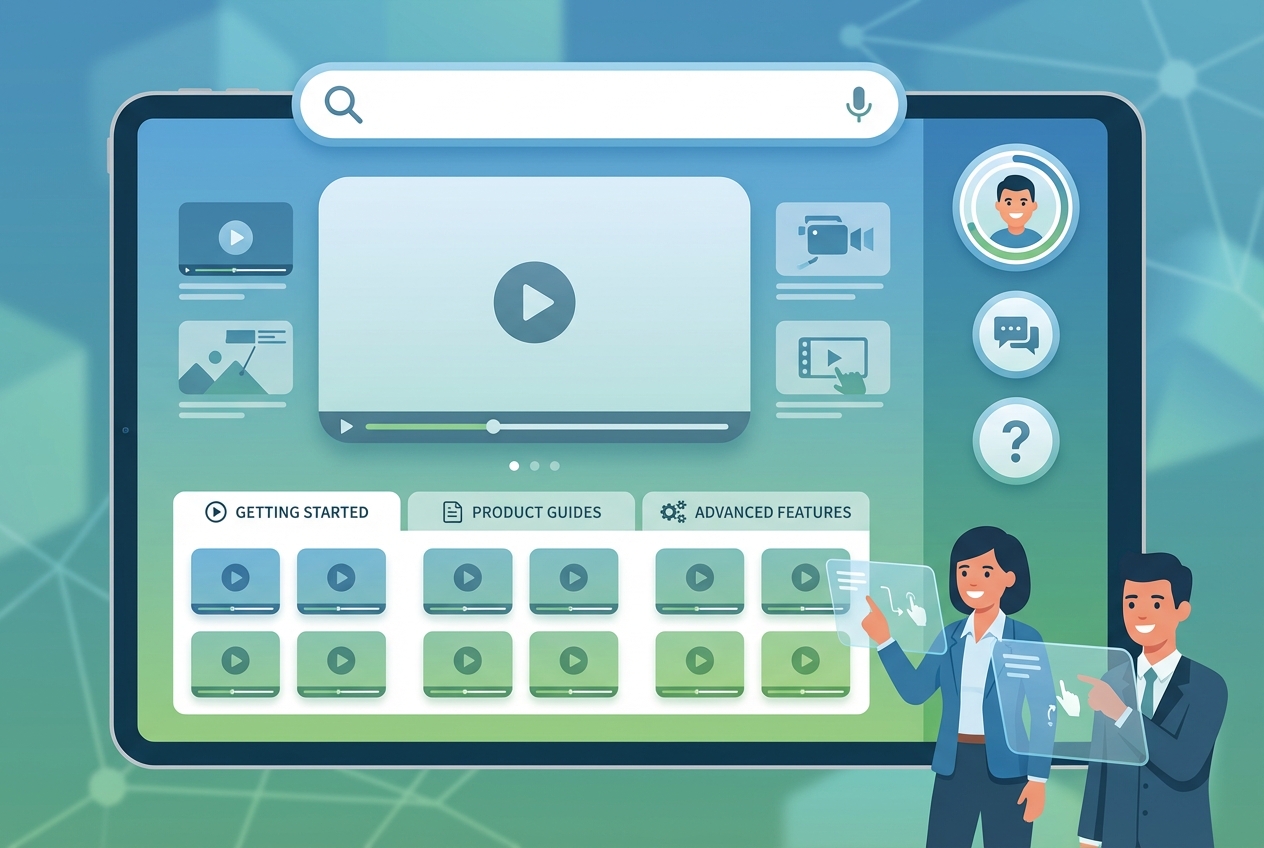
A Learning Center is different. It's proactive. Users don't just search when stuck. They explore to discover what's possible and build mastery. Video-first experiences, interactive guides, and structured learning paths help users get more value from your product before they hit problems.
Most help center software focuses on deflecting tickets. The best help center software drives product adoption and feature discovery. That distinction matters.
Why Traditional Documentation Is Failing SaaS Teams
Traditional help centers worked when products changed quarterly. Now your SaaS ships weekly. Sometimes daily.
The result? Your documentation is probably 50% wrong. Screenshots show old interfaces. Steps describe deprecated workflows. Users land in your help center, see information that doesn't match what they're looking at, and immediately create a support ticket anyway.
The ROI of Help Center Software: Numbers That Matter
Before comparing tools, let's establish why this investment matters. The numbers are compelling.
Support Ticket Reduction Benchmarks
A well-developed knowledge base can reduce support tickets by 40-60%. That's not marketing fluff. It's what companies consistently report after implementing solid self-service support.
Specific examples tell the story better:
- Messente Communication saw a 50% drop in support tickets after deploying their knowledge base and chatbots
- Unity saved $1.3 million by deflecting 8,000 tickets with AI
- Dropbox's redesigned help experience led to a 34% reduction in related support tickets
- Qonto cut first-response times by 2 minutes and saved 1,058 team hours per quarter
These aren't outliers. Companies that reduce support tickets by 20-66% through better documentation follow a consistent pattern: clear content, easy search, and content that stays current.
Cost Savings Breakdown
Here's the math that changes everything.
Self-service channels cost $1.84 per contact. Assisted channels (email, chat, phone) cost $13.50 per contact. That's a 7x difference.
If your team handles 1,000 tickets monthly at $10 average cost, that's $10,000. Reduce tickets by 50% and you save $60,000 annually. For larger teams, the savings compound dramatically.
AI implementation adds another layer. Companies achieve ROI of 7.5x on AI-powered support, generating $3.50 return for every $1 invested. AI reduces customer service costs by 25-30% on top of basic self-service gains.
Customer Retention Impact
The connection between documentation and churn is direct. 44% of SaaS customers churn because they aren't achieving desired outcomes. They're not leaving for competitors. They're leaving because they can't figure your product out.
That's a documentation problem.
Here's another stat that should worry you: 80% of customers switch to a competitor after just one poor support experience. Your help center is often the first place frustrated users go. If they can't find answers, they're already considering alternatives.
8 Essential Features to Look for in Help Center Software
Not all help center software is created equal. Here are the features that separate adequate tools from exceptional ones.
1. Self-Service Knowledge Base
This is table stakes. Every help center needs a searchable repository of articles, guides, and FAQs. Look for:
- Structured categories that match how users think about problems
- Search that actually works (fuzzy matching, synonym support)
- Mobile responsiveness because users search from everywhere
- Version control for tracking changes over time
2. AI-Powered Search and Suggestions
Basic keyword search isn't enough anymore. 80% of customer service organizations will implement generative AI by 2025. Your help center software should include:
- Semantic search that understands intent, not just keywords
- Auto-suggestions that surface relevant content as users type
- AI-generated answers that synthesize information from multiple articles
- Smart routing that sends complex issues to the right team
Zendesk Answer Bot deflects up to 30% of support tickets by proactively offering relevant articles. Freshdesk's Freddy AI has reduced ticket volume by up to 25%. These aren't nice-to-haves anymore.
3. Video and Interactive Content Support
Here's what most help center software gets wrong: they assume users want to read. Users want to watch.
89% of customers will spend more with companies that allow them to find answers online without contacting anyone. But text articles aren't the preferred format for complex product guidance. Interactive video tutorials, screen recordings, and clickable walkthroughs deliver 10x better engagement than static documentation.
Look for platforms that support:
- Embedded videos from YouTube, Wistia, or Vimeo
- Interactive guides users can click through step-by-step
- Screen recordings showing actual product workflows
- AI-generated video walkthroughs that stay current with your product
4. Auto-Update Capabilities
This is the feature nobody talks about. And it's the most important.
Most help center software requires manual updates. When your product changes, someone has to re-record videos, re-capture screenshots, and rewrite articles. That's unsustainable when you're shipping weekly.
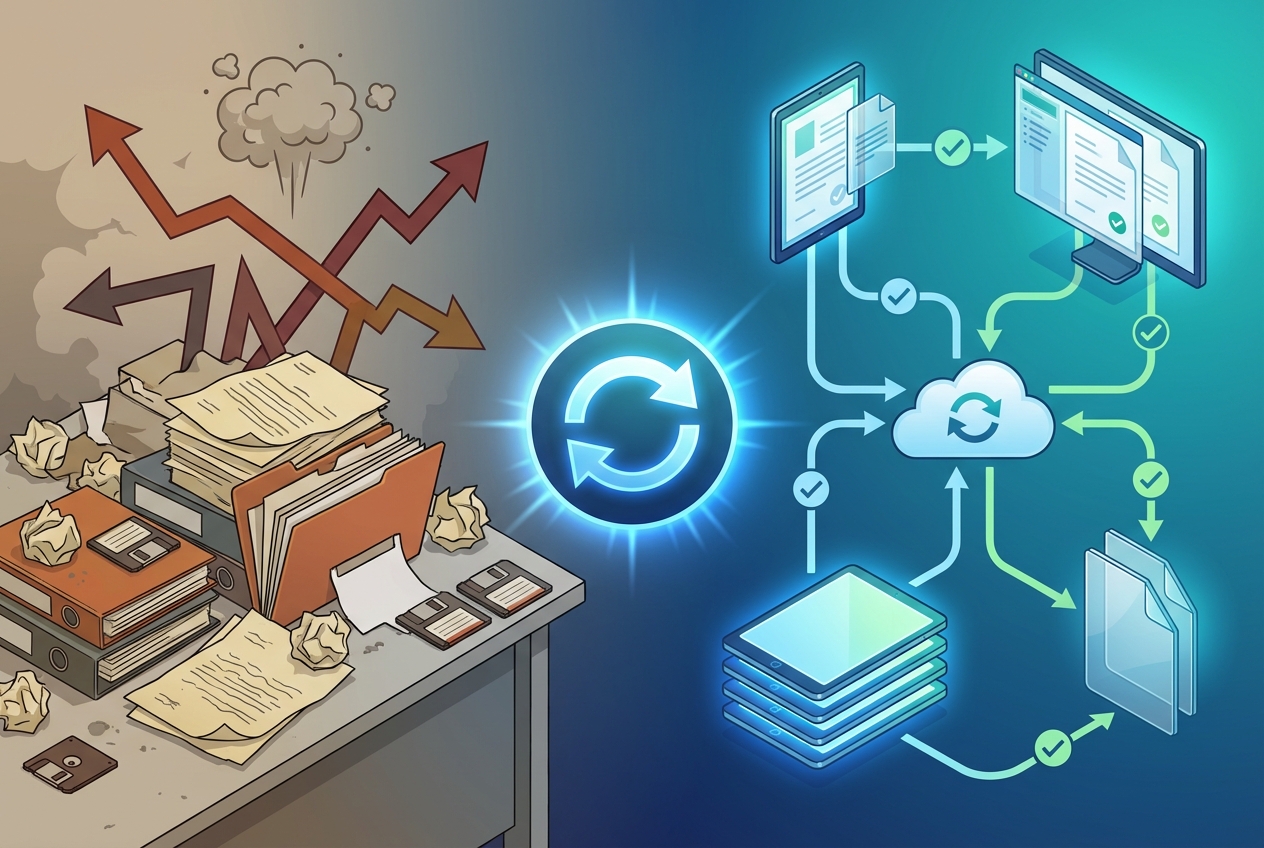
The best help center tools offer auto-updating documentation. Record a workflow once, and when your product changes, the content updates automatically. Screenshots refresh. Steps realign. Your help center stays accurate without constant manual maintenance.
This capability separates tools built for modern SaaS velocity from legacy platforms designed for static products.
5. Embeddable Widgets and In-App Resource Centers
Users shouldn't have to leave your product to find help. In-app resource centers surface relevant content exactly where users need it. Features to look for:
- Contextual help triggered by user actions or page location
- Searchable widgets embedded directly in your product
- Tooltips and hotspots for proactive guidance
- Customizable styling that matches your brand
The best implementations feel native. Users don't notice they're in a "help center." They just find answers.
6. Analytics and Content Performance Tracking
You can't improve what you don't measure. Your help center software should track:
- Article views and engagement to identify popular content
- Search queries (especially failed searches) to spot gaps
- Ticket deflection rates to prove ROI
- Self-service score (visitors to tickets ratio)
- Time-to-resolution for users who do contact support
A self-service score of 5:1 (five help center visitors for every ticket created) is a solid benchmark. If you're below that, your content needs work.
7. Multi-Channel Support
Your help center doesn't exist in isolation. It connects to chat, email, social, and phone support. Look for:
- Unified inbox that consolidates all channels
- Seamless escalation from self-service to human support
- Conversation history that carries context across channels
- Chatbot integration for first-line response
8. Integrations With Your Existing Stack
Your help center software needs to play nice with your existing tools:
- CRM integration (Salesforce, HubSpot) for customer context
- Communication tools (Slack, Microsoft Teams) for internal collaboration
- Product analytics (Mixpanel, Amplitude) for usage insights
- Development tools (Jira, GitHub) for bug tracking
- Knowledge base imports to migrate existing content
Help Center Software Comparison: 10 Best Tools for SaaS in 2025
Let's compare the leading platforms. Each has strengths and trade-offs.
1. Zendesk - Best for Enterprise Omnichannel Support
Overview: Zendesk is the 800-pound gorilla of customer service software. It offers comprehensive omnichannel support with a self-service portal, knowledge base, community forums, and AI-powered bots.
Key Strengths:
- Extensive integration ecosystem (1,000+ apps)
- Mature ticketing and routing capabilities
- Strong enterprise security and compliance
- AI Summarize and AI Drafts for agent productivity
Best For: Large enterprises needing sophisticated routing, reporting, and compliance features.
Pricing: Suite Team starts at $55/agent/month. Enterprise options significantly higher.
G2 Rating: 4.3/5 (5,750+ reviews)
2. Intercom - Best for Conversational Support + Marketing
Overview: Intercom blends customer service with marketing-style engagement. Its Messenger interface feels natural inside SaaS apps, making it ideal for product-led companies.
Key Strengths:
- Seamless in-app messaging experience
- Strong automation and workflow builder
- Proactive outbound messaging capabilities
- Modern UI that customers love
Best For: Product-led SaaS companies wanting to combine support with customer engagement.
Pricing: Starts at $39/seat/month for essential features. Scales significantly with usage.
G2 Rating: 4.5/5 (3,000+ reviews)
3. Help Scout - Best for Teams Prioritizing Personal Touch
Overview: Help Scout is designed for teams that want professional support software without losing the human element. Its interface looks like a shared inbox rather than a traditional ticketing system.
Key Strengths:
- Clean, email-like interface agents love
- Strong knowledge base (Docs)
- AI features for grammar, tone, and drafting
- Beacon widget for in-app help
Best For: Growing SaaS companies that value personal, relationship-focused support.
Pricing: Starts at $22/user/month. Scales affordably.
G2 Rating: 4.4/5 (400+ reviews)
4. Freshdesk - Best Balance of Features and Affordability
Overview: Freshdesk offers strong capabilities at a competitive price point. Its collaboration tools and automation make it a solid mid-market choice.
Key Strengths:
- Team huddle and collaboration features
- Freddy AI for automation and suggestions
- Parent-child ticketing for complex issues
- Reasonable pricing at every tier
Best For: Mid-market SaaS teams wanting enterprise-like features without enterprise pricing.
Pricing: Free tier available. Growth plan at $18/agent/month. Pro at $59/agent/month.
G2 Rating: 4.4/5 (3,000+ reviews)
5. Zoho Desk - Best for Zoho Ecosystem Users
Overview: Zoho Desk integrates tightly with the broader Zoho ecosystem. If you're already using Zoho CRM, it's a natural choice.
Key Strengths:
- Deep integration with Zoho apps
- Zia AI assistant for suggestions
- Flexible knowledge base builder
- Highly customizable workflows
Best For: Companies already invested in the Zoho ecosystem.
Pricing: Free tier for 3 agents. Standard at $20/agent/month. Professional at $35/agent/month.
G2 Rating: 4.4/5 (5,000+ reviews)
6. Document360 - Best for Comprehensive Knowledge Bases
Overview: Document360 focuses specifically on knowledge base creation and management. It's less of a help desk and more of a documentation platform.
Key Strengths:
- Excellent content editor and organization
- Version control and rollback
- Advanced search and analytics
- Category assistant and AI features
Best For: Teams prioritizing documentation depth over ticketing features.
Pricing: Starts at $199/project/month for business tier.
G2 Rating: 4.7/5 (400+ reviews)
7. Userpilot - Best for In-App Help Centers
Overview: Userpilot specializes in in-app experiences including resource centers, interactive guides, and contextual help triggered by user behavior.
Key Strengths:
- No-code in-app help center builder
- Product tours and onboarding flows
- Contextual help based on user actions
- Strong analytics on user engagement
Best For: Product teams wanting to embed help directly in their application.
Pricing: Starts at $249/month for up to 2,000 MAU. Scales with usage.
G2 Rating: 4.6/5 (200+ reviews)
8. HubSpot Service Hub - Best for CRM Integration
Overview: HubSpot Service Hub extends the HubSpot ecosystem with customer service capabilities. If you're using HubSpot CRM, it provides seamless integration.
Key Strengths:
- Native CRM integration
- Knowledge base with customer portal
- Ticketing and live chat
- Reporting tied to customer lifecycle
Best For: Companies already using HubSpot for marketing and sales.
Pricing: Free tools available. Professional at $90/month includes 2 users.
G2 Rating: 4.4/5 (2,000+ reviews)
9. Notion/Confluence - Best for Internal Documentation
Overview: While not traditional help center software, Notion and Confluence serve as knowledge bases for many teams, especially for internal documentation.
Key Strengths:
- Flexible, wiki-style documentation
- Collaboration and commenting
- Low barrier to getting started
- Affordable for small teams
Best For: Early-stage startups or internal knowledge sharing.
Pricing: Notion Free tier available. Plus at $10/user/month. Confluence Free for 10 users.
Consideration: Not designed for customer-facing help centers. Limited self-service features.
10. StorytoDoc - Best for Video-First, Auto-Updating Documentation
Overview: StorytoDoc takes a different approach. It creates interactive video documentation from screen recordings, with AI voice-over and automatic updates when your product changes.
Key Strengths:
- Create documentation in 5 minutes, not 5 days
- One-click updates when product changes (documentation stays current automatically)
- Interactive videos users can click through
- Embeddable Learning Center for proactive feature discovery
- AI avatars and voice-over, no recording yourself
Best For: Product teams tired of outdated documentation, companies wanting video-first help centers.
Pricing: Starter at $49/month. Growth at $149/month with auto-updates for all content.
Consideration: Focused on documentation creation and maintenance, not ticketing.
How to Choose the Right Help Center Software
Follow these steps to make a decision that actually fits your needs.
Step 1: Audit Your Current Documentation Challenges
Before evaluating tools, understand your pain points:
- How many support tickets could be deflected with better documentation?
- How much time does your team spend maintaining content?
- Are users complaining about outdated or missing information?
- What format do your users prefer (text, video, interactive)?
Step 2: Define Your Primary Use Case
Are you solving for:
- Ticket deflection: You need strong self-service and AI capabilities
- Product adoption: You need proactive learning and in-app help
- Both: You need a platform that bridges reactive support and proactive enablement
Step 3: Evaluate Content Maintenance Needs
This is where most buyers make mistakes. Ask:
- How often does your product change?
- Who's responsible for updating documentation?
- How long does it take to update a single article or video?
- What happens when documentation becomes outdated?
If you're shipping weekly and your documentation requires manual updates, you'll always be behind. Prioritize tools with auto-update capabilities.
Step 4: Calculate Total Cost of Ownership
The subscription price is just part of the cost. Factor in:
- Implementation time: How long to get started?
- Maintenance effort: How much ongoing work to keep content current?
- Training: How long for your team to become proficient?
- Opportunity cost: What could your team do instead of maintaining documentation?
A cheaper tool that requires 10 hours weekly of manual updates costs more than a premium tool that maintains itself.
The Future of Help Center Software: 2025 Trends
The help center software category is evolving rapidly. Here's where it's headed.
AI-Powered Self-Service
80% of customer service organizations will implement generative AI by 2025. AI isn't replacing human support. It's handling the routine stuff so humans can focus on complex issues. Expect AI to:
- Generate instant answers from your knowledge base
- Suggest relevant articles before users finish typing
- Draft responses for agents to review and send
- Identify gaps in your documentation
Video-First Documentation
Text articles are becoming table stakes. Users increasingly expect visual content. Stripe and Twilio built billion-dollar companies partly through documentation that showed, not just told. Interactive video guides, screen recordings, and AI-generated walkthroughs are the new standard.
Auto-Updating Content
The documentation maintenance problem is becoming untenable. Products change too fast for manual updates. Tools that automatically detect product changes and update documentation accordingly will dominate. This shift from "create and maintain" to "create and forget" changes the economics of documentation entirely.
Proactive Learning Centers
The distinction between help centers (reactive) and Learning Centers (proactive) will sharpen. Forward-thinking SaaS companies aren't just deflecting tickets. They're enabling users to discover features proactively, driving adoption and expansion. Expect more tools to support this shift.
Common Mistakes When Choosing Help Center Software
Avoid these pitfalls that trip up most buyers.
Ignoring Content Maintenance Burden
The tool that's easiest to set up isn't always the best choice. A platform that requires 15 minutes to create content but 15 hours monthly to maintain it costs more than one that takes 30 minutes to create but updates automatically.
Calculate maintenance burden before deciding. If your product ships frequently, this factor alone should heavily influence your choice.
Choosing Based on Price Alone
Free tiers and low starting prices are attractive. But the cheapest option often lacks critical features or requires expensive add-ons. Evaluate total cost of ownership, including your team's time.
Forgetting the Customer's Learning Preferences
You might love text-based documentation. Your customers might prefer video. Don't assume. Check your analytics. Survey your users. Choose a platform that delivers content in formats your customers actually consume.
Not Involving Product Teams in the Decision
Support teams often own help center software decisions. But product teams are equally affected. They need documentation for onboarding, feature launches, and adoption. Include PMs in the evaluation. Their requirements often differ from support's.
Conclusion: Building a Help Center That Actually Helps
Help center software can transform your support operations. The right tool reduces tickets by 40-60%, cuts costs dramatically, and helps users succeed with your product.
But the wrong tool creates a different kind of burden: endless content maintenance that never catches up with product changes.
Here's what matters most:
- Match the tool to your use case: Ticket deflection, product enablement, or both
- Prioritize content maintenance: Auto-updating capabilities save more than they cost
- Consider customer preferences: Text, video, interactive, or all three
- Calculate total cost: Including your team's maintenance time
- Think proactive, not just reactive: Learning Centers drive adoption; help centers deflect tickets
The shift from reactive help centers to proactive Learning Centers is accelerating. Users don't just want answers when they're stuck. They want to discover what's possible before they hit problems.
Ready to see what a video-first, auto-updating help center looks like? See how teams are building Learning Centers that stay current automatically, no manual maintenance required.
In Doc We Trust.

![Video Documentation Service: The Complete Guide for SaaS Teams [2026]](/images/blog/video-documentation-service-saas-guide-featured.png)
![10 Product Documentation Tools for SaaS [Compared 2026]](/images/blog/product-documentation-software-saas-featured.png)