
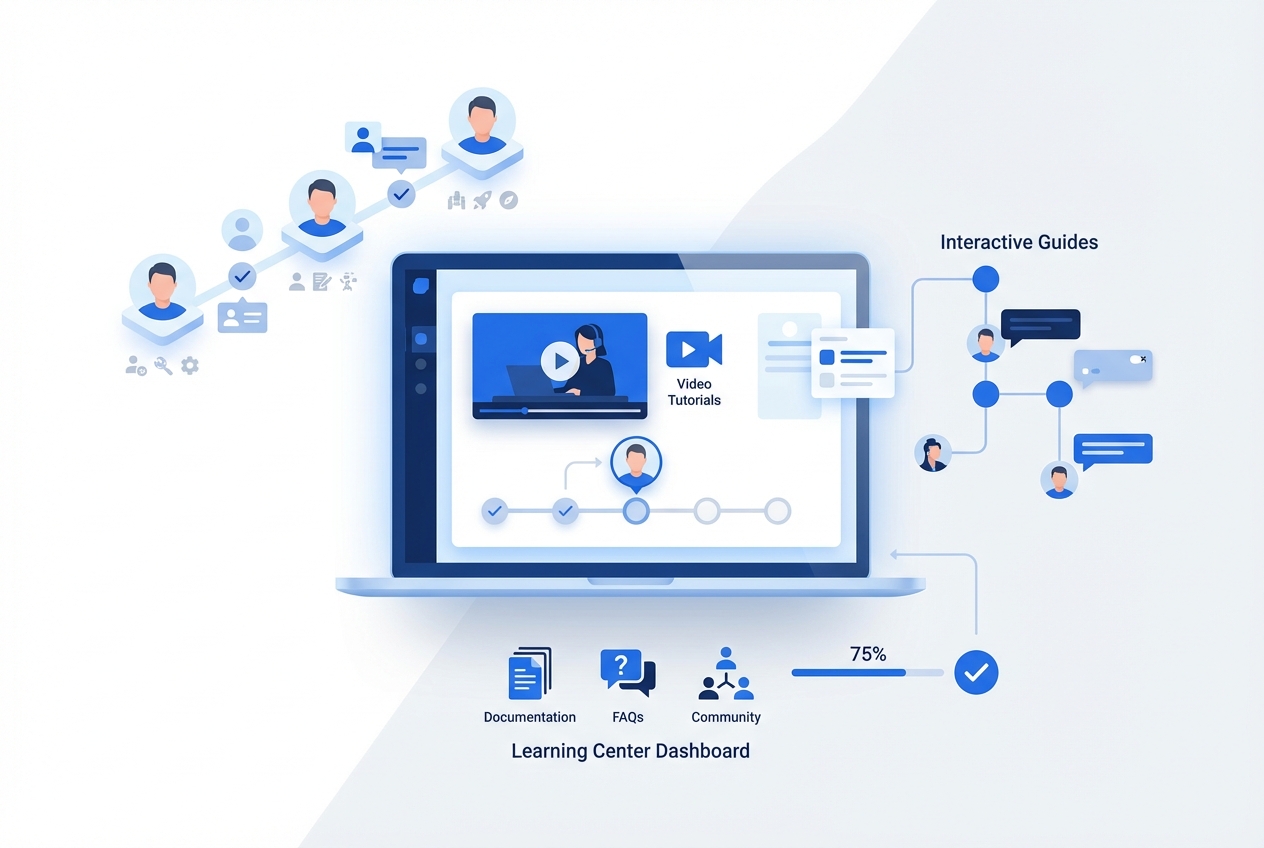
90% of users churn without clear value in the first week. Here's the uncomfortable truth nobody talks about: your onboarding documentation probably became outdated the moment your last product update shipped. So you're not just fighting churn. You're fighting with tools that actively work against you.
Customer onboarding is the single most important factor in determining whether your SaaS business thrives or bleeds customers. And most companies are still approaching it with text-heavy guides, outdated screenshots, and one-size-fits-all flows that frustrate more users than they help.
This guide will show you exactly how to build customer onboarding that actually works in 2025. You'll learn the five phases of effective onboarding, ten proven best practices that cut churn by up to 67%, and how to create video-first onboarding content that scales without scaling your headcount.
Let's fix your onboarding.
What Is Customer Onboarding? (And Why Most SaaS Companies Get It Wrong)
Customer onboarding is the process of guiding new users from their first interaction with your product to the moment they achieve meaningful value. It includes everything from the welcome email to the first successful outcome, and ideally, it extends far beyond.
More Than a Welcome Email
Here's what onboarding is not: a generic welcome email, a quick product tour, or a PDF user manual nobody reads.
Real customer onboarding is a structured journey that helps users build habits, discover capabilities, and achieve the outcomes they signed up for. It's the bridge between "I signed up" and "I can't imagine working without this."
The Onboarding Misconception
Most SaaS companies treat onboarding as a one-time event. Day 1 through Day 7. Check the boxes, call it done.
This is wrong.
Effective onboarding extends through multiple phases. There's primary onboarding (activation and first value), and there's secondary onboarding (ongoing feature discovery and deepening engagement). The best companies understand that onboarding is a continuous journey, not a destination.
Why 90% of Users Still Feel Companies Could Do Better
According to research from ProductLed, the vast majority of users believe companies could significantly improve their onboarding experiences. And they're right.
Most onboarding fails because it focuses on showing features rather than delivering outcomes. It prioritizes what the product does instead of what the user needs to accomplish.
Sound familiar?
The Business Case for Great Customer Onboarding: Numbers That Matter
Let's talk about why customer onboarding deserves your attention and investment. The data is clear.
Retention Impact
Effective onboarding can cut churn rates by up to 67%. A smooth onboarding process can enhance customer retention by 82%.
Think about that for a moment. The difference between a struggling SaaS company and a thriving one often comes down to what happens in those first few days and weeks.
Revenue Multiplier
Highly engaged customers who had a positive onboarding experience buy 90% more often, spend 60% more per transaction, and deliver three times the annual value compared to other customers.
This isn't marginal improvement. This is transformational.
Support Cost Savings
When users understand your product, they don't need to ask questions. Great onboarding reduces support ticket volume significantly. We've seen companies achieve 20-66% reductions in support tickets through better documentation and onboarding.
At $10 per support ticket, this adds up fast.
The Hidden ROI: Feature Adoption and Expansion
Here's what most companies miss: onboarding drives expansion revenue.
Users who understand your product deeply enough to discover advanced features become expansion opportunities. They upgrade to higher tiers. They add more seats. They become advocates.
40% of SaaS ARR comes from existing customer expansion. But expansion only happens when customers understand your product well enough to need more of it.
Case Study: How Effective Onboarding Translates to Growth
Companies with solid onboarding documentation see trial conversion rates of 48%. Companies without them? 18%.
That's not a 30% improvement. That's a 167% increase in conversions from the same traffic.
Put that in revenue terms: 1,000 monthly trials with 18% conversion gives you 180 customers. The same 1,000 trials with 48% conversion gives you 480 customers.
Same product. Different onboarding. Opposite outcomes.
The 5 Phases of SaaS Customer Onboarding
Effective customer onboarding isn't a single event. It's a journey through five distinct phases, each with specific goals and tactics.
Phase 1: Pre-Onboarding (Before First Login)
The onboarding experience starts before users ever log in. Pre-onboarding sets expectations, builds excitement, and prepares users for success.
What to include:
- Welcome email with clear next steps
- Account setup guidance
- Links to getting started resources
- Expectation setting for what's coming
The goal here is simple: make users feel confident they made the right choice.
Phase 2: Welcome & Activation (First Session)
This is where you deliver the "aha moment." The first session determines whether users will come back.
Key objectives:
- Reduce friction in account setup
- Guide users to first meaningful action
- Deliver immediate value
- Create a quick win they can feel
63% of customers consider the onboarding experience when deciding to subscribe. This phase is where you win or lose them. Create product walkthroughs that deliver instant value and turn first sessions into second sessions.
Phase 3: Feature Discovery (Days 2-7)
After the initial activation, users need guidance to build habits and discover capabilities beyond the basics.
Focus areas:
- Introduce features progressively
- Connect features to outcomes
- Build daily usage habits
- Prevent overwhelm with paced discovery
The first week determines everything. Companies report that improving first-week retention by 15% leads to 60% better retention at 12 weeks.
Phase 4: Advanced Enablement (Weeks 2-4)
Now users are ready to go deeper. This phase transitions from basic usage to power user capabilities.
What to provide:
- Advanced feature tutorials
- Integration guidance
- Workflow optimization tips
- Team collaboration features
This is where you transform users from casual customers into committed advocates.
Phase 5: Ongoing Education (Month 2+)
Here's what separates good onboarding from great: it never really ends.
The best companies provide continuous learning opportunities through embedded Learning Centers, release announcements for new features, and ongoing education that keeps users discovering value.
This is where proactive enablement replaces reactive support. Users don't just learn when they're stuck. They learn to discover what's possible.
10 Customer Onboarding Best Practices for 2025
Based on extensive research and real-world results, here are the ten onboarding best practices that consistently drive the best outcomes for SaaS onboarding in 2025.
1. Reduce Friction at Every Step
Every unnecessary field, every extra click, every confusing option is a chance for users to drop off.
Audit your signup and first-run experience ruthlessly. Remove anything that doesn't directly contribute to getting users to value. The less friction, the more users complete onboarding.
2. Personalize by Role, Goal, and Experience Level
Not all users are the same. A power user from a competitor needs different onboarding than a complete beginner.
Segment users during signup and tailor their experience accordingly. Personalized onboarding boosts retention by 40%.
3. Focus Obsessively on Time-to-Value
How quickly can users achieve their first meaningful outcome? This metric matters more than almost anything else.
Map your product's "aha moment" and design everything around helping users reach it as fast as possible. The shorter the time-to-value, the higher the retention.
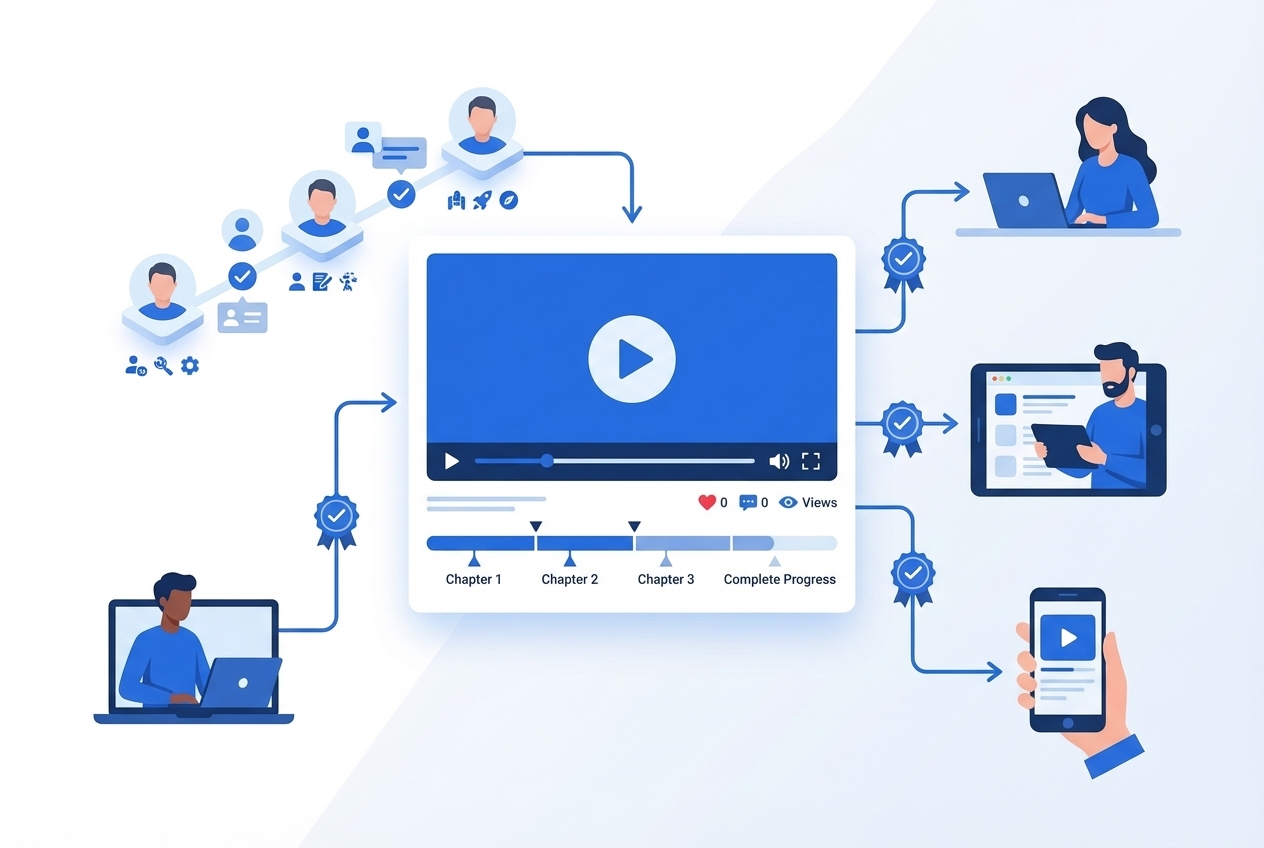
4. Use Video-First Onboarding Content
83% of people prefer video over text when learning something new.
Yet most SaaS onboarding still relies heavily on text-based guides and static screenshots. Video tutorials, interactive walkthroughs, and visual demonstrations dramatically improve comprehension and completion rates.
5. Show Progress and Celebrate Quick Wins
Users need to feel like they're making progress. Progress indicators, checklists, and celebration moments keep users motivated.
Trello's checklist-based onboarding creates quick wins by pre-completing the first task. Users arrive with momentum already building.
6. Provide Multiple Learning Modalities
Some users learn by watching. Others prefer reading. Some want to click through interactively.
The best onboarding provides all three: video tutorials for visual learners, written guides for those who prefer text, and interactive walkthroughs for hands-on exploration.
7. Segment High-Touch vs. Low-Touch Models
Not every customer needs a dedicated CSM walking them through setup. Not every customer can self-serve effectively.
Match your onboarding model to customer value and complexity. High-touch for enterprise, low-touch (with excellent self-service resources) for everyone else.
8. Build Self-Service Learning Centers for Scale
You cannot schedule 1:1 onboarding calls for 10,000 new users. But you can build a Learning Center that scales infinitely.
Think of it as your "Product YouTube." A video-first knowledge hub where users can discover features proactively, not just reactively when they're stuck.
9. Keep Onboarding Content Automatically Updated
Here's the problem nobody talks about: your product changes constantly, but your onboarding content doesn't.
Screenshots from last quarter. Videos showing old UI. Instructions for workflows that no longer exist.
Outdated onboarding content doesn't just fail to help. It actively confuses and frustrates users. The solution is documentation that updates automatically when your product changes. One-click updates that keep everything in sync.
10. Measure, Iterate, and Continuously Improve
What gets measured gets improved. Track these metrics:
- Activation rate
- Time-to-Value
- Onboarding completion rate
- Feature adoption by cohort
- Churn rate by onboarding cohort
Use data to identify drop-off points and continuously optimize.
Video-First Onboarding: The 2025 Standard
If you're still relying primarily on text-based onboarding, you're leaving retention on the table.
Why Video Outperforms Text for Onboarding
The data supporting video-first customer onboarding is overwhelming:
- 83% of people prefer video over text for learning
- 97% believe video effectively welcomes new customers
- 69% desire more video content in their onboarding experience
- Interactive video tours increase activation by 50%
Video shows, rather than tells. It demonstrates workflows in context. It's faster to consume and easier to follow.
Types of Onboarding Videos
Welcome videos: Set expectations and build excitement for what's possible in customer onboarding.
Feature tours: Walk users through key capabilities step-by-step.
How-to tutorials: These onboarding videos teach specific workflows from start to finish and are the most requested format by new users.
Troubleshooting guides: Help users solve common problems without creating support tickets.
Interactive vs. Passive Video Content
Not all video is created equal. Interactive videos, where users can click through at their own pace, outperform passive videos significantly.
When users can explore, pause, and navigate based on their needs, comprehension and completion rates improve dramatically.
The Maintenance Challenge
Here's the dirty secret of video onboarding: keeping videos current when your product changes constantly is a nightmare.
Traditional video production means re-recording, re-editing, and re-publishing every time your UI changes. That's expensive and time-consuming.
Auto-Updating Video Documentation
The solution is video documentation that updates automatically when your product changes. Record once. Let AI handle the updates. All your onboarding videos stay in sync with your latest product version.
This is what separates static video libraries (that become outdated within months) from living documentation (that stays accurate forever).
The Learning Center Advantage: Onboarding That Scales
Traditional onboarding has a scaling problem. More users means more CSM time means more headcount means more cost.
Learning Centers solve this.
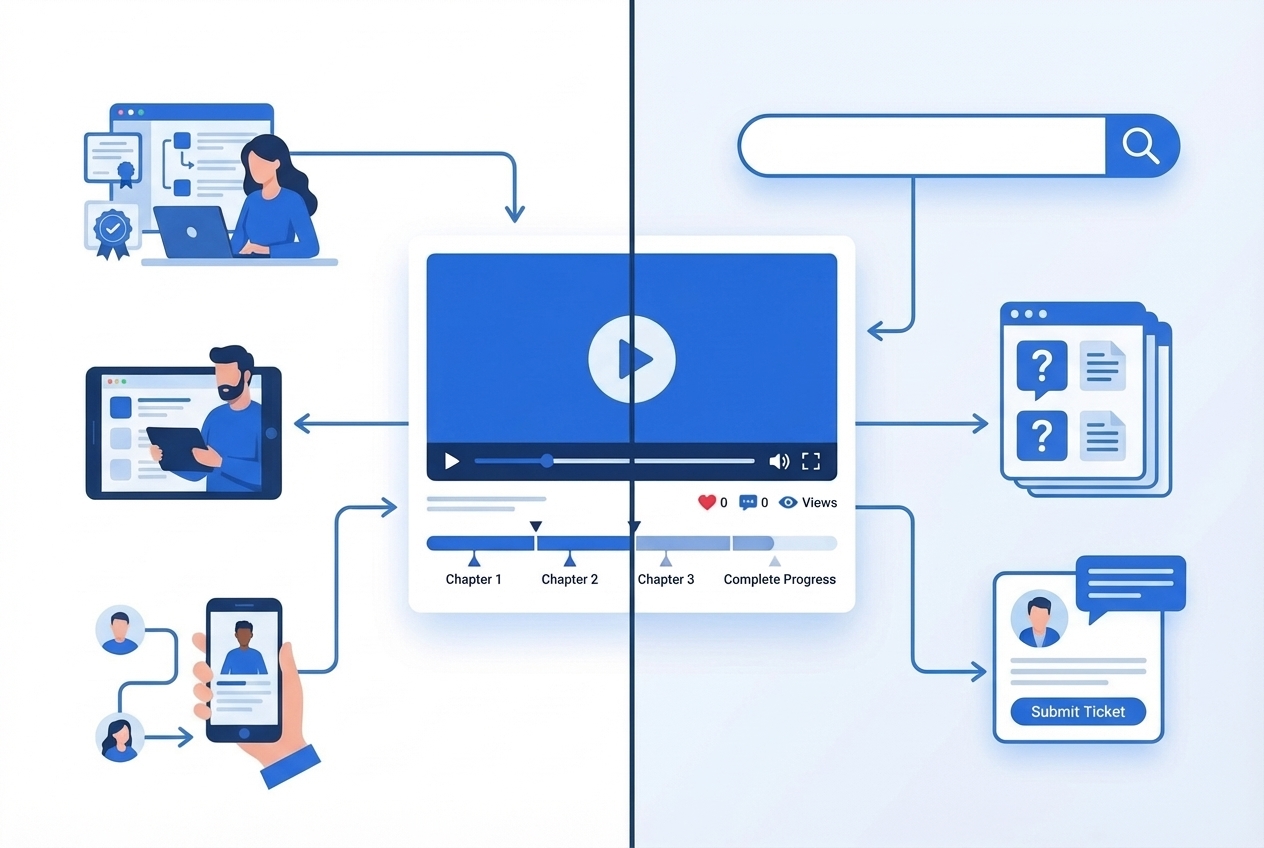
Help Center vs. Learning Center
A help center is reactive. Users go there when they're stuck during customer onboarding, searching for answers to problems.
A Learning Center is proactive. Users go there to discover what's possible, to learn new capabilities, to level up their skills.
Help centers deflect support tickets. Learning Centers drive feature adoption and expansion.
Both are valuable. But if you only have the first, you're missing half the opportunity. Build a learning center that updates itself and watch onboarding scale without scaling headcount.
Creating Your "Product YouTube"
Think about what makes YouTube effective for learning: video-first content, organized into categories, searchable, accessible anytime.
Your Learning Center should work the same way. A complete library of product education, organized by use case, available for users to explore at their own pace.
Embedding Learning Directly in Your Product
The best Learning Centers aren't separate destinations. They're embedded directly in your product.
One line of code. A "Learn [Product Name]" link in your navigation. Users access education without ever leaving your app.
Scaling Onboarding Without Scaling Headcount
Here's the real power of scalable customer onboarding: once you build your Learning Center, it serves unlimited users without additional cost.
Self-service onboarding scales infinitely. That's how you grow from 1,000 customers to 10,000 without proportionally growing your CS team.
Customer Onboarding Software: Tools That Actually Help
The right tools make SaaS onboarding easier to build, deploy, and maintain. Here's how to think about your customer onboarding software stack.
In-App Guidance Tools
Userpilot, Appcues, UserGuiding - These tools let you build product tours, tooltips, and in-app guidance without code. Great for quick wins and interactive onboarding flows.
Best for: Teams that need to iterate quickly on in-app experiences.
Customer Onboarding Platforms
Rocketlane, GuideCX, OnRamp - Purpose-built for managing complex onboarding projects, especially for high-touch B2B relationships.
Best for: Enterprise SaaS with lengthy implementation cycles.
Video Documentation Tools
StorytoDoc, Loom, Guidde - Create video tutorials, screen recordings, and interactive guides for onboarding.
Key differentiator: Look for tools with auto-update capabilities. Static videos become outdated fast.
Knowledge Base Platforms
Zendesk, Intercom, Document360 - Host your help articles, FAQs, and documentation.
Best for: Companies with large documentation libraries needing search and organization.
How to Choose the Right Stack
Start with your biggest constraint:
- Limited time? Prioritize ease of creation.
- Limited maintenance bandwidth? Prioritize auto-updates.
- Complex product? Prioritize in-app guidance.
- High-touch model? Prioritize project management features.
Don't try to solve everything at once. Start with what moves the needle most for your specific situation.
The Hidden Problem: Onboarding Content That Goes Stale
Let's talk about the elephant in the room.
Why Your Onboarding Docs Are Probably Already Outdated
Your product ships weekly (or faster). Your customer onboarding content was created last quarter. The math doesn't work.
Screenshots that don't match what users see. Videos showing buttons that moved. Instructions for workflows that changed.
This isn't hypothetical. Research suggests 80% of SaaS companies have 50%+ of their documentation outdated at any given time.
The Maintenance Burden
Manually updating onboarding content is a full-time job. Every product release triggers a cascade of updates: screenshots, videos, text, translations.
Most teams don't have bandwidth for this. So content drifts further out of sync with every sprint.
Screenshots That Don't Match, Videos That Confuse
Outdated onboarding content doesn't just fail to help. It actively harms the user experience.
When a new user follows your onboarding video and sees something completely different in the product, they lose confidence. They question whether they're doing something wrong. They create support tickets.
The content that's supposed to reduce friction creates more of it.
The Auto-Update Solution
The answer isn't "hire more people to maintain content." The answer is documentation that updates itself.
Modern tools can detect when your product changes and automatically refresh onboarding content. One-click updates that regenerate screenshots, videos, and guides to match your current product.
This is the difference between static documentation (always falling behind) and living documentation (always current).
Customer Onboarding Metrics: What to Track
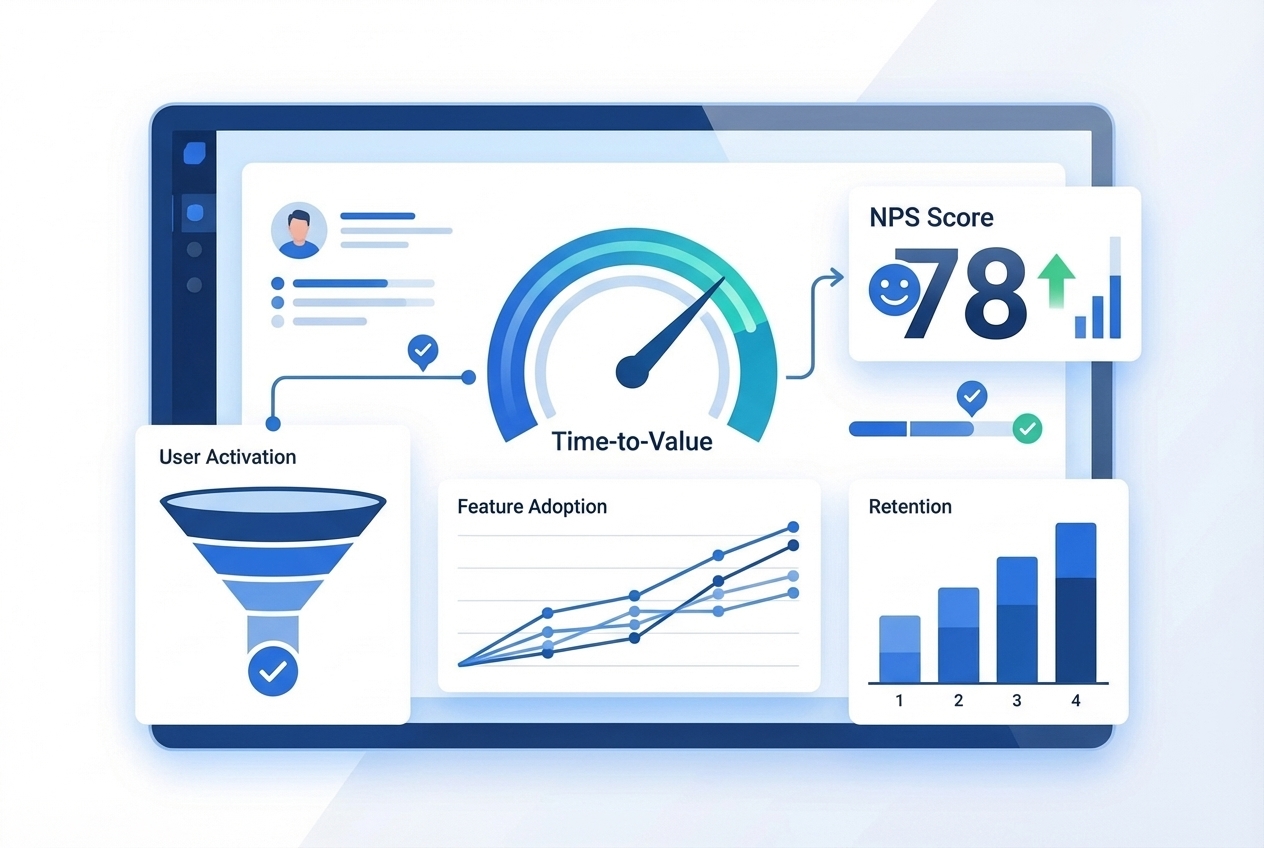
You can't improve what you don't measure in user onboarding. Here are the customer onboarding metrics that matter most.
Activation Rate
What percentage of new users complete key onboarding milestones? Define what "activated" means for your product and track it religiously.
Time-to-Value (TTV)
How quickly do users achieve their first meaningful outcome? The shorter, the better. Track median TTV and work to reduce it.
Onboarding Completion Rate
What percentage of users complete your full onboarding flow? Drop-offs indicate friction points to optimize.
Feature Adoption Rate
Are users discovering and using features beyond the basics? Track feature adoption by onboarding cohort to see if improvements are working.
Churn Rate by Onboarding Cohort
Do users who complete onboarding churn less? Segment churn data by onboarding completion to prove the ROI of your investments.
Customer Effort Score (CES)
How easy do users find it to get started? Survey new users about their onboarding experience and track scores over time.
Support Ticket Volume During Onboarding
Are onboarding users creating tickets? High ticket volume during onboarding signals confusion and friction in your content.
7 Common Onboarding Mistakes (And How to Avoid Them)
Learn from others' customer onboarding failures. Here are the most common SaaS onboarding mistakes we see.
1. Information Overload on Day 1
Showing users everything your product can do overwhelms them. They don't need to know everything. They need to know what's relevant right now.
Fix: Progressive disclosure. Show only what users need at each stage.
2. One-Size-Fits-All Approach
Different users have different needs, goals, and experience levels. A single onboarding flow can't serve them all well.
Fix: Segment users and personalize their experience.
3. Ignoring the Ongoing Journey
Stopping onboarding after activation leaves users to figure out advanced features on their own. Most won't bother.
Fix: Build ongoing education into your product experience.
4. Text-Heavy, Video-Light Content
Walls of text don't work. Users skim, miss important details, and give up.
Fix: Lead with video. Support with text. Make everything scannable.
5. Not Measuring Onboarding Effectiveness
If you don't track metrics, you don't know what's working. You can't improve systematically.
Fix: Define your key metrics and build dashboards to track them.
6. Letting Content Go Stale After Creation
Onboarding content is only valuable if it's accurate. Outdated content is worse than no content.
Fix: Use tools with auto-update capabilities, or build regular content audits into your process.
7. Not Involving Product Teams in Onboarding Design
Onboarding often lives in CS or Marketing. But Product teams understand user journeys best.
Fix: Make onboarding a cross-functional priority with Product leadership involved.
Real-World Onboarding Examples: What Great Looks Like
Let's look at companies doing onboarding right.
HubSpot: Academy-Powered Customer Education
HubSpot doesn't just onboard users to their product. They educate users on inbound marketing, sales, and service.
HubSpot Academy provides certifications, courses, and ongoing education that keep users engaged long after initial onboarding ends. Users don't just learn the tool. They become better at their jobs.
Slack: Progressive Feature Discovery
Slack's onboarding doesn't try to show everything at once. It starts with basics (sending a message) and progressively introduces advanced features (channels, integrations, workflows) as users are ready.
Each discovery feels natural, not overwhelming.
Canva: Template-Driven Quick Wins
Canva gets users to value immediately by providing templates. New users don't start with a blank canvas. They start with something beautiful they can customize.
The first win happens in minutes, not hours.
Calendly: Ruthless Simplicity
Calendly's onboarding is famously simple. A few clicks to set up availability. Share a link. Done.
By ruthlessly removing complexity, they ensure almost everyone completes setup successfully.
What They All Have in Common
These companies share a philosophy: onboarding exists to deliver value, not showcase features.
They focus on outcomes. They reduce friction. They meet users where they are. And they make the first experience delightfully simple.
Your Onboarding Action Plan: What to Do This Week
Reading about onboarding is one thing. Improving it is another. Here's your concrete action plan.
This Week: Audit Your Current Onboarding (15 Minutes)
Sign up for your own product as a new user. Time how long it takes to reach meaningful value. Note every point of confusion or friction.
You'll likely be surprised (and a little embarrassed) by what you find.
This Month: Map Your Customer Journey and Identify Gaps
Document the full journey from signup through advanced usage. Identify where users drop off, where they create support tickets, where they churn.
These gaps are your highest-leverage improvement opportunities.
This Quarter: Implement Video-First Onboarding Content
Start converting your most critical onboarding content to video. Focus on the activation flow first, where impact is highest.
Use tools that let you create quickly and update automatically. Don't let maintenance become a bottleneck.
The Goal: Self-Service Learning That Scales and Stays Current
Your north star is an onboarding experience that works without human intervention, scales to unlimited users, and stays accurate as your product evolves.
This isn't impossible. It's the standard the best companies are building toward.
Conclusion
Customer onboarding is the single most important factor in SaaS success. Get it right, and you cut churn, boost expansion, reduce support costs, and create advocates. Get it wrong, and you watch 90% of potential customers walk away confused.
Here's what we covered:
- Onboarding is a journey, not an event. It extends through five phases from pre-signup through ongoing education.
- The business impact is massive: 67% churn reduction, 3x customer value, 167% improvement in trial conversion.
- Video-first content is the 2025 standard. 83% of users prefer video over text for learning.
- Learning Centers scale infinitely. Build your "Product YouTube" and stop trading headcount for onboarding capacity.
- Auto-updating content is essential. Static documentation becomes stale the moment your product changes.
The question isn't whether better onboarding improves retention. The data proves it does.
The question is: how many more customers will you let walk away confused while you wait?
Start your audit this week. Map your gaps this month. Build video-first, auto-updating onboarding this quarter.
You can start with StorytoDoc's free plan and create your first onboarding video in 5 minutes, or launch a complete Learning Center in one day.
Your customers are waiting to succeed. Give them the onboarding they deserve.
In Doc We Trust.
FAQs
What is customer onboarding in SaaS?
Customer onboarding is the process of guiding new users from signup to meaningful value realization. It includes welcome experiences, product education, and ongoing enablement that helps users achieve the outcomes they signed up for.
How long should customer onboarding take?
Primary onboarding (activation) should happen within the first session or first week. But effective onboarding extends through ongoing education, helping users discover advanced features over weeks and months.
What's the difference between user onboarding and customer onboarding?
User onboarding focuses on individual users learning to use a product. Customer onboarding encompasses the full relationship, including account setup, team rollout, and ongoing success management, especially important in B2B contexts.
How do I measure onboarding success?
Track activation rate, time-to-value, onboarding completion rate, feature adoption, churn by onboarding cohort, and Customer Effort Score. Segment data by cohort to measure improvement over time.
What are the best customer onboarding tools?
It depends on your needs. For in-app guidance: Userpilot, Appcues. For video documentation with auto-updates: StorytoDoc. For complex B2B onboarding: Rocketlane, GuideCX. For knowledge bases: Zendesk, Intercom.
How do I keep onboarding content up to date?
Use tools with auto-update capabilities that detect product changes and refresh content automatically. Alternatively, build regular content audits into your process, but expect this to require significant ongoing effort.

![Video Documentation Service: The Complete Guide for SaaS Teams [2026]](/images/blog/video-documentation-service-saas-guide-featured.png)
![10 Product Documentation Tools for SaaS [Compared 2026]](/images/blog/product-documentation-software-saas-featured.png)